Google Business Profile (GBP) updates frequently trigger immediate shifts in the local pack, often decoupled from traditional organic rankings. When you modify a business category, update a service area, or change a primary phone number, the local algorithm re-evaluates your proximity and relevance scores. Tracking these changes requires more than a standard keyword report; it demands a granular look at how your business appears from different street corners, not just a single city-center data point. To maintain visibility, you must transition from broad rank tracking to a coordinate-based monitoring strategy that mirrors how actual users move through a physical environment.
Isolate the Variable with CID and Place ID Tracking
Before analyzing the impact of a GBP update, you must ensure your tracking software is pinned to the correct entity. Google often manages multiple entries for similar business names or locations with shared addresses. Relying solely on a "Business Name + City" search string is insufficient because it allows the search engine to swap your listing with a competitor if your profile is temporarily filtered out during an update.
Best for: Multi-location brands and agencies managing high-density service areas.
To lock your tracking, use the Google CID (Customer ID) or Place ID. The CID is a unique identifier that links directly to the business’s map entry. By inputting this ID into your rank tracker, you ensure that the data reflects your specific listing’s performance, even if the business name is updated or a secondary location is opened nearby. This prevents "data ghosting," where a tracker reports a drop in rank that is actually just a jump to a different, unverified listing.
Transition to Grid-Based Geo-Coordinate Monitoring
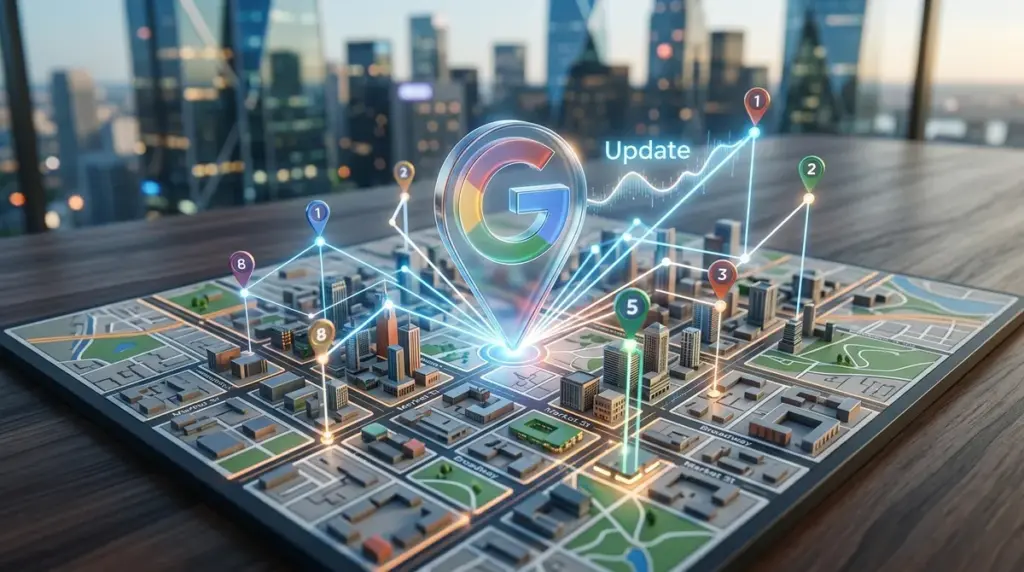
Traditional rank tracking uses a single IP address or a broad zip code. This is a failure point for local SEO because the "Local Pack" is hyper-sensitive to the searcher's exact location. An update to your GBP "Service Area" might improve your rankings five miles away while eroding them in your immediate neighborhood. To see this, you need a grid-based tracking system.
- Define the Grid Density: For urban areas, a 5x5 grid with 500-meter intervals is standard. For rural areas, expand the intervals to 2-5 kilometers.
- Analyze the "Fringe" Performance: Look specifically at the outer edges of your grid. If an update causes your "ranking bubble" to shrink, it suggests a proximity penalty or a category mismatch.
- Map the Competitor Encroachment: Use the grid to identify which competitor is gaining ground. If a specific competitor suddenly dominates the grid after your update, analyze their recent GBP posts and review velocity to see what the algorithm is currently favoring.
Warning: Avoid making multiple major changes to your GBP profile—such as changing the primary category and the physical address—within the same 48-hour window. This often triggers an automated suspension or a manual review, which will flatline your rankings regardless of your SEO efforts.
Correlating Review Velocity with Ranking Fluctuations
A GBP update isn't just about the fields you fill out in the dashboard; it’s about how the algorithm perceives the "freshness" of your listing. There is a direct correlation between review velocity (the speed at which you gain new reviews) and how quickly Google reflects profile updates in the search results. If you update your business description to include new keywords but have no new customer activity, the ranking shift will be sluggish.
When tracking post-update positions, overlay your ranking charts with your review acquisition data. If rankings dip despite an optimized profile, check if your review frequency has stalled. Google’s local algorithm uses "prominence" as a core pillar; a stagnant review profile signals to the engine that the business may no longer be as relevant as a competitor with lower overall ratings but higher recent engagement.
Distinguishing Between Local Pack and Local Finder Positions
It is a common mistake to treat the "Local Pack" (the top 3 results on the main SERP) and the "Local Finder" (the extended list when you click "More Businesses") as the same. A GBP update might push you from position 4 to position 2 in the Local Finder, which is a positive trend, but you will still see zero traffic growth because you haven't cracked the Local Pack.
Your tracking must differentiate between these two views. If your update moved you from position 15 to position 5 in the Local Finder, your strategy is working, but you need to increase your "relevance" signals—such as adding high-quality, geotagged photos or responding to Q&A—to bridge the gap into the top 3. Tracking the "Local Finder" provides the leading indicators you need to justify your strategy before the "Local Pack" ROI becomes visible.
Monitoring the Impact of Attribute and Menu Updates
Google has expanded the weight of "Attributes" (e.g., "Identifies as women-led," "Wheelchair accessible," "Online appointments") and "Menu/Service" items. These are often overlooked in standard rank tracking. However, these updates change which "long-tail" local queries you appear for.
If you add a "curbside pickup" attribute, you must add "curbside pickup [service]" to your keyword tracking list. If you don't, you are missing the most significant benefit of the update. Use a tracker that allows for "tagging" keywords by intent or attribute so you can see if specific GBP profile changes are driving niche traffic that your broad "head terms" aren't capturing.
Executing a Post-Update Audit
To verify the success of a Google Business Profile update, perform a three-step audit. First, verify the "Search Appearance" data in your GBP Insights to see if the update changed the ratio of "Discovery" vs. "Direct" searches. Second, compare your grid-based ranking maps from 7 days before and 14 days after the update to account for algorithmic settling. Finally, check your "Phone Call" and "Website Click" metrics. If rankings have improved but conversions have dropped, your update may have increased visibility for irrelevant terms, requiring a refinement of your primary and secondary categories. Consistent, coordinate-level data is the only way to move beyond guesswork in local search.
Local SEO Tracking FAQ
How long does it take for GBP updates to reflect in local rankings?
Minor updates like business hours or descriptions often reflect within minutes. Major changes, such as primary category shifts or address moves, can take 3 to 14 days for the local algorithm to fully re-index and stabilize your new position across the entire geo-grid.
Why does my ranking look different on my phone than in my tracking software?
Mobile devices use precise GPS data, WiFi triangulation, and search history to personalize results. Professional tracking tools use "clean" browser environments and fixed lat/long coordinates to provide an objective baseline, which is more accurate for measuring overall SEO health than a single personalized mobile search.
Should I track rankings for my service area if I don't have a physical storefront?
Yes. Service Area Businesses (SABs) are even more dependent on coordinate-based tracking. Since you don't have a physical pin for customers to visit, Google calculates your relevance based on the center point of the service areas you define in your GBP. Tracking across those specific zip codes is essential to ensure you aren't being outranked by "ghost" offices or competitors with physical locations in those zones.